MemoraSync
Tap record, talk, stop—the clip saves to today’s timeline. Later you play it back, scan a transcript if available, or search a phrase—next to typed diary entries, not lost in Voice Memos.
Also explore: AI diary app · Personal memory assistant
Principles
Record when you cannot type. MemoraSync files it by date so it is findable next week, not lost in Voice Memos.
Parking lot after work, walking the dog, waiting on hold—open, tap, speak, save.
Your account, your audio and text. Not a social clip. Not public by default.
Clips sit on the same timeline as written notes—search once, hear and read together.
Here is the loop most people run after the first recording.
How it works
That is the difference from a phone recorder: dated context plus the rest of your diary in one place.
Lower friction
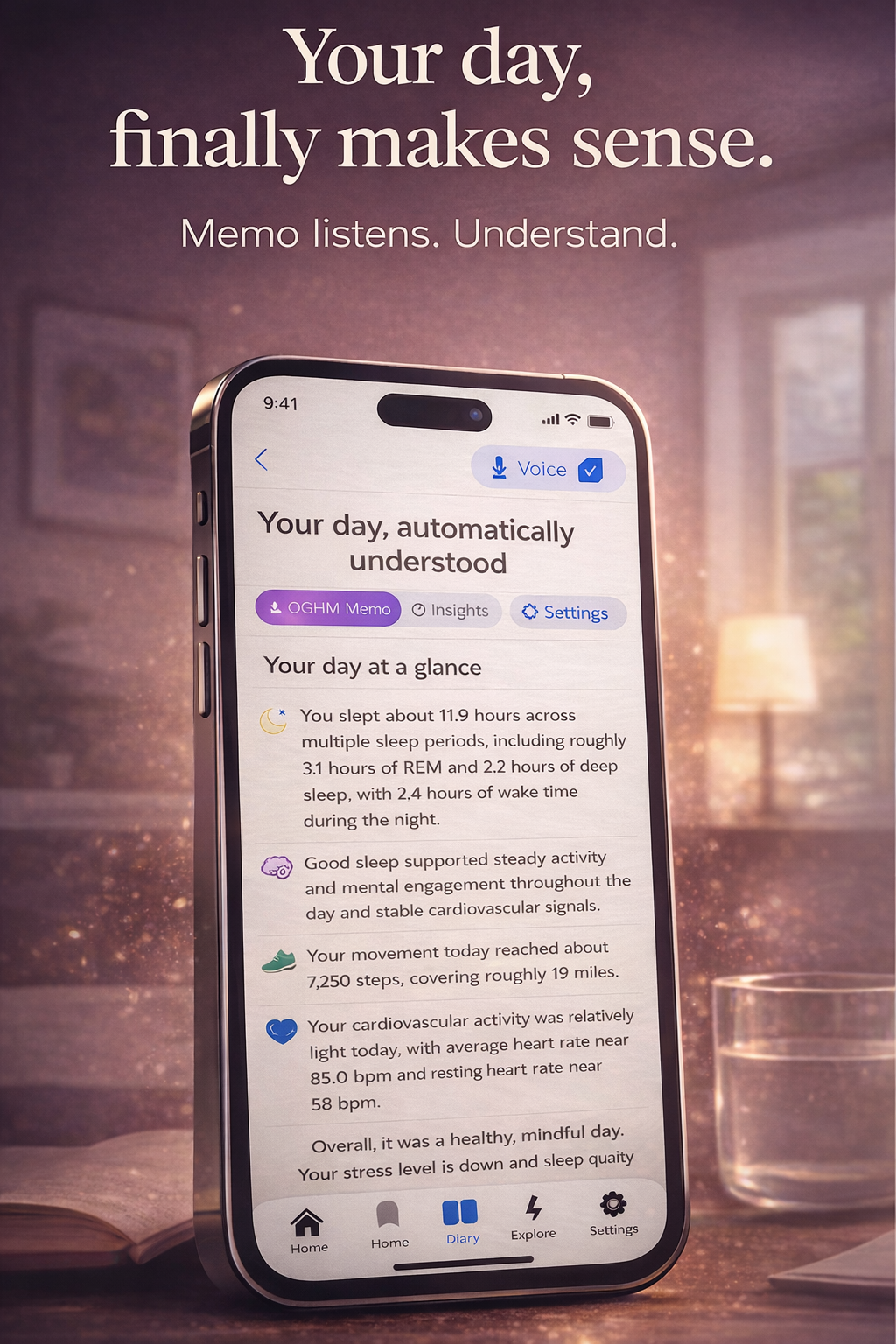
The art beside you shows the day view: your entries read as one story for that date.
When you add voice, it lands in that same story—so “what did I say last Wednesday?” means one scroll, not hunting files.
Use it right after the moment: pickup chaos, hard news, a win you will forget by morning.
Record your first clip in under a minute
Sign up free, tap the mic, and see it appear on today’s page.
Start free—record nowAfter a few entries, you can ask grounded questions about what you already saved.
Recall
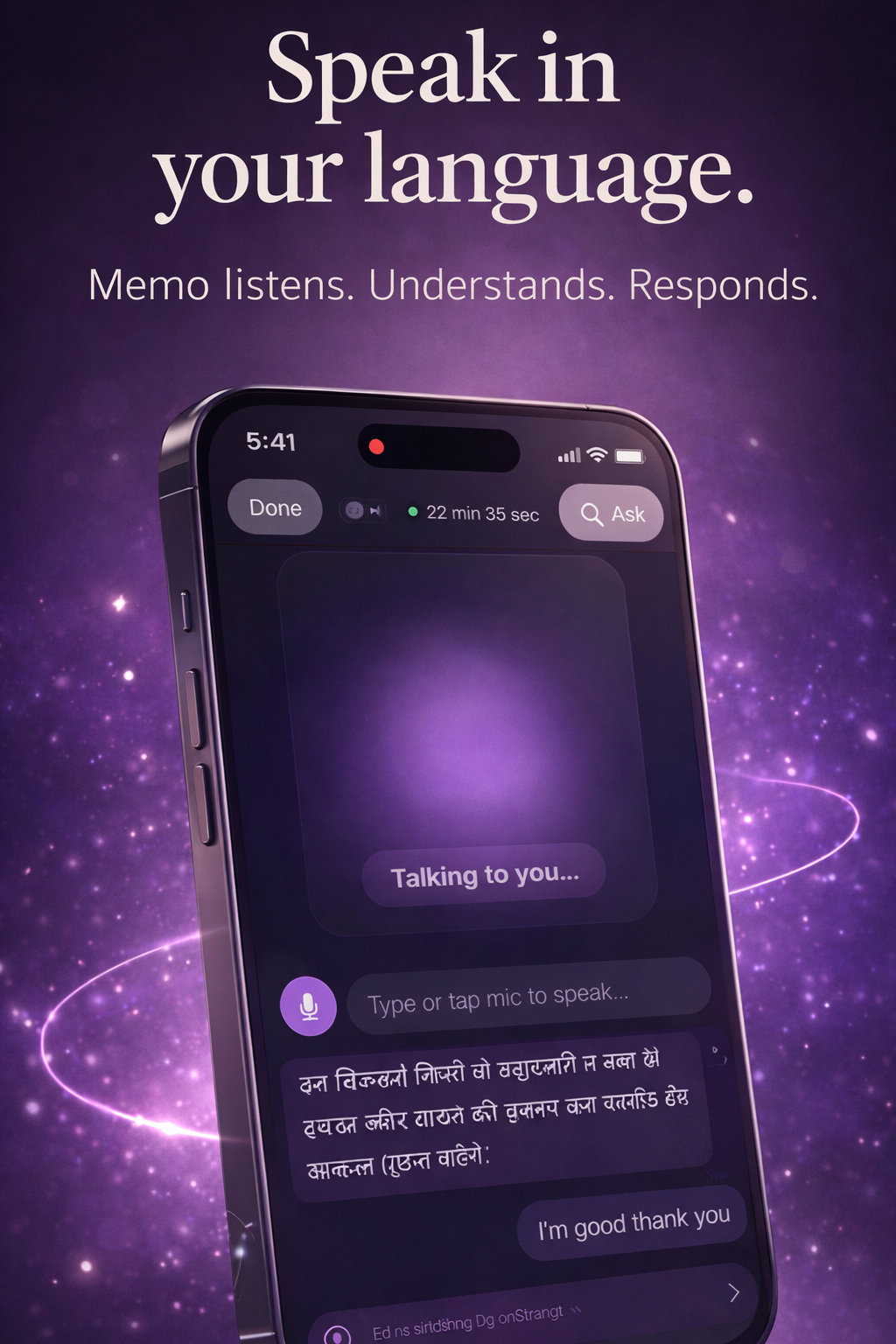
The screen here is the voice side of the same timeline: you spoke, MemoraSync kept it with the day.
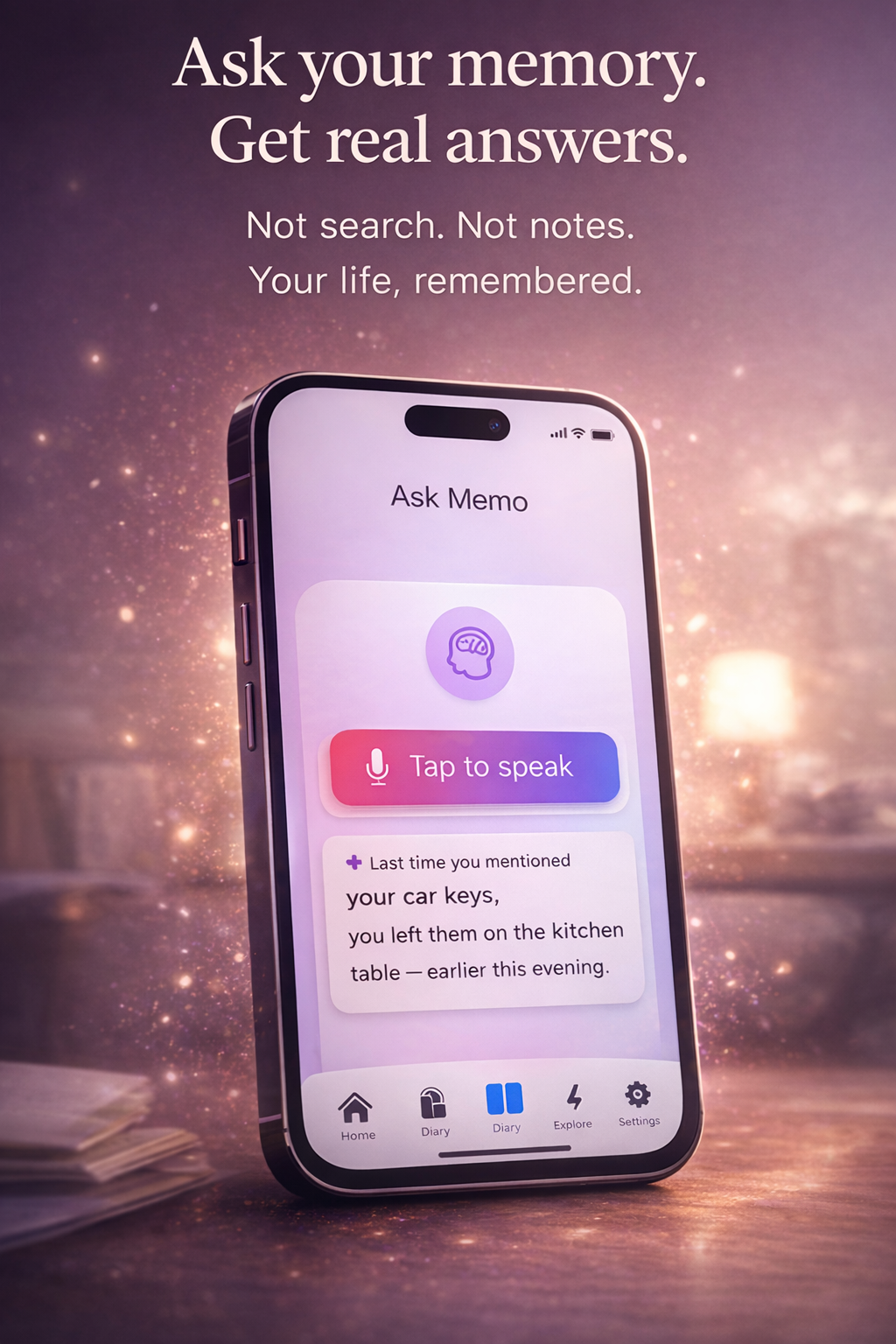
Ask about your own past entries—not the open web. Examples:
Typed journaling: AI diary app · Broader recall: Memory assistant
Compared with the default recorder app, the difference is organization and privacy intent.
Contrast
If your week looks like this, voice plus timeline is the lightest path in.
People
Open MemoraSync, tap record, speak once. You can polish or add text later—the moment is already captured on today’s page.
Takes less than a minute to try.
Sign up and record now