MemoraSync
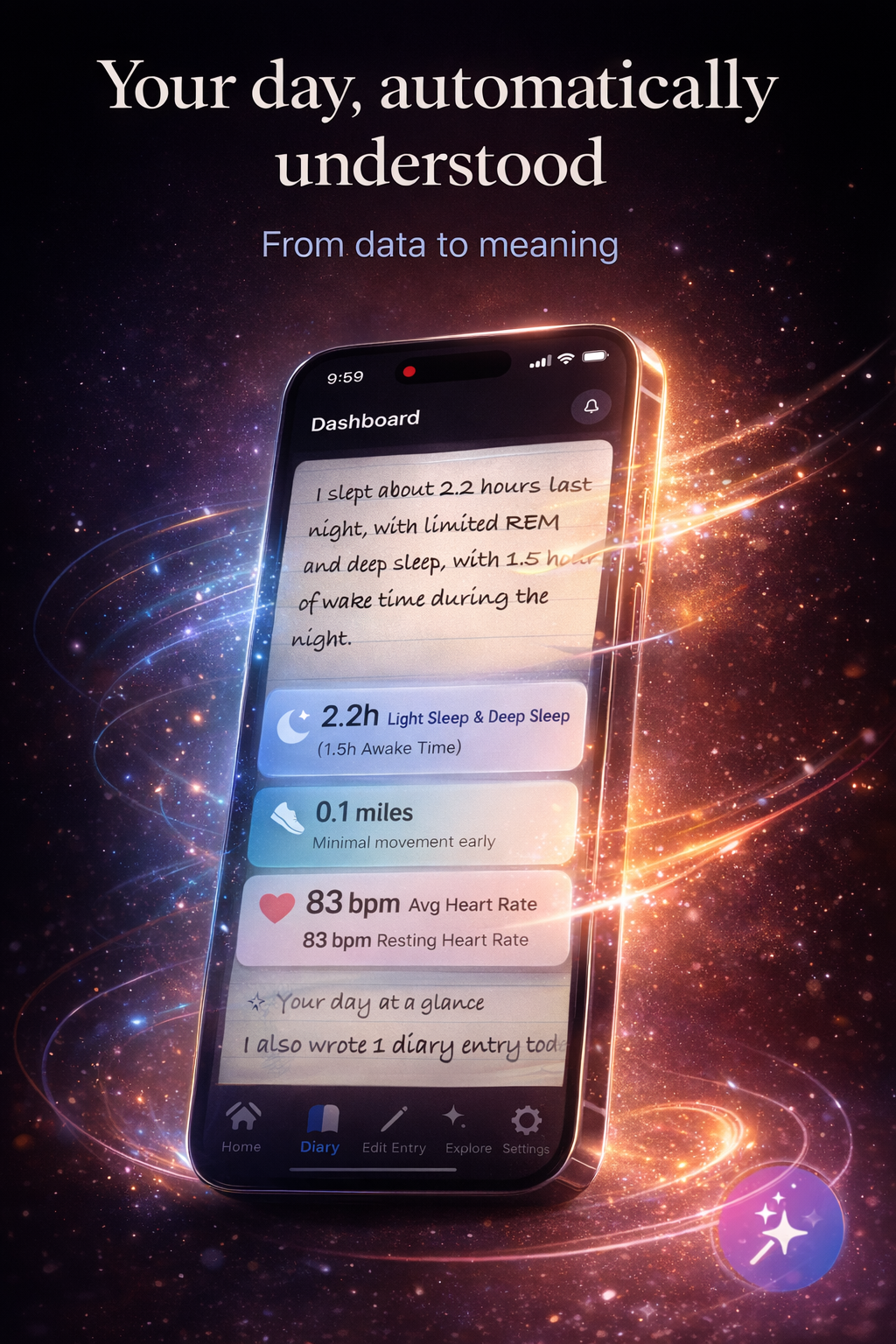
Write in one private place. MemoraSync saves each entry on today’s dated page—not a feed—with optional wellness context beside it so “last Tuesday” still makes sense when you scroll back.
Also explore: Voice journal app · Personal memory assistant
Why it exists
Save what happened and how you felt. Find it again by date or search—not by scrolling random notes.
One tap into today’s page. You type a line or a page—it lands on that calendar day.
Scroll the timeline or jump to a date. Past weeks stay readable instead of lost in folders.
Private account. No posting, no audience—just your entries and recall when you want it.
Next: what you actually do in the app, step by step.
Flow
Optional signals (sleep, movement, heart rate) can sit beside your words so you see patterns, not a wall of numbers.
It is not a social feed and not a generic chat pasted on random notes—just your timeline, your context.
Clarity
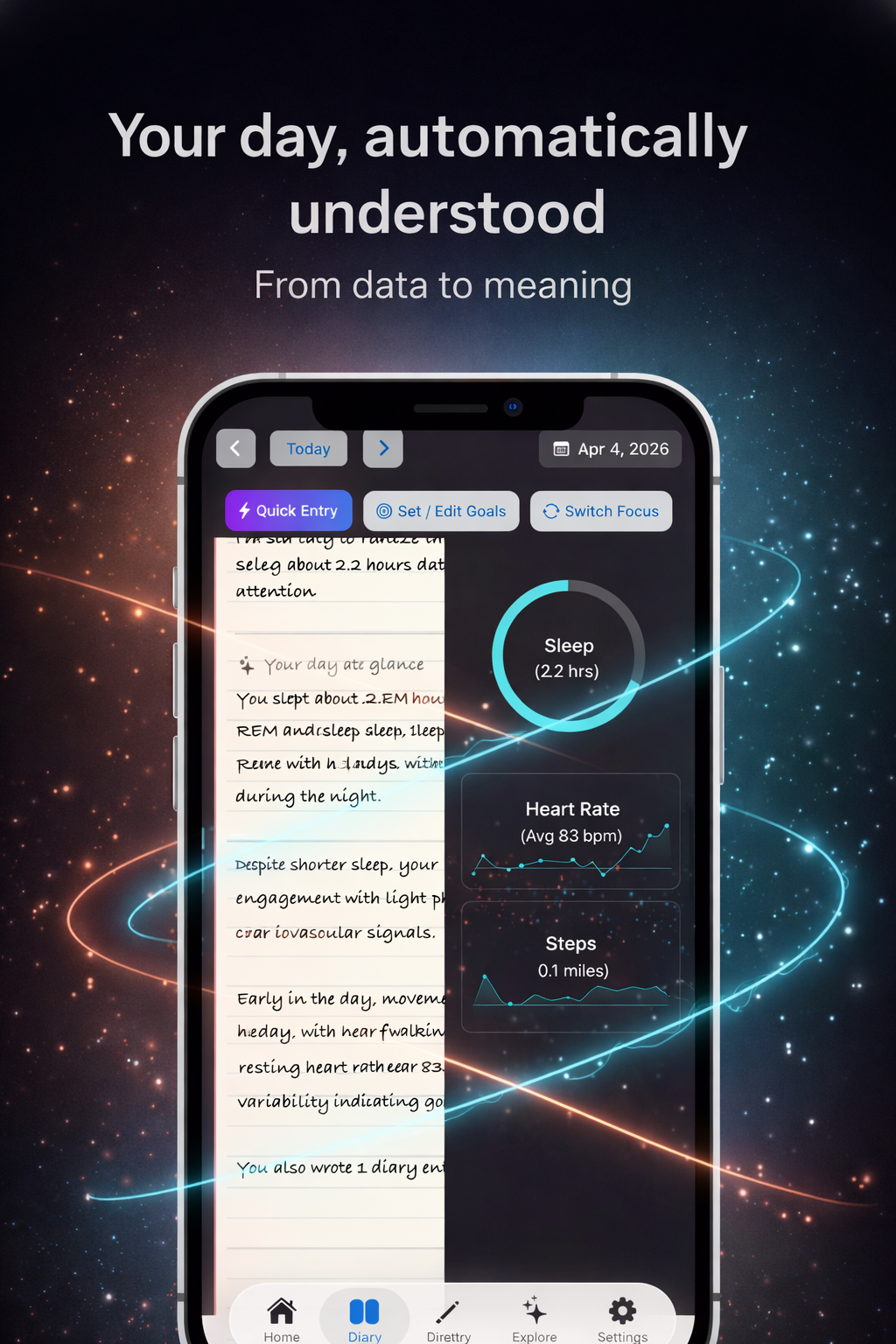
The phone screen shows your day as a running thread—entries stacked in order, like the mockup beside this text.
When you add a reflection, it sits in that same thread. Optional wellness data appears as context cards, not a separate app to check.
The payoff: when you reopen a hard week, you see what you wrote and what your week looked like—not a disconnected note from six months ago.
Try it on your next quiet moment
Sign up free, add one entry today, and see it on your timeline.
Start free—one entryThen compare how MemoraSync treats memory versus typical “AI journal” apps.
Position
More capture options: Voice journal · Memory assistant
If this sounds like you, the workflow above is built for your week.
Fit
Add one entry now. Tomorrow, search it or scroll back—you’ll see why a dated thread beats a blank notes app.
Free to start. No perfect habit required.
Create your free account